I've been sitting on this information a while now and finally found the time to post it on here. After hearing of WAMS through
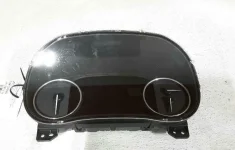
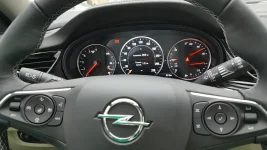
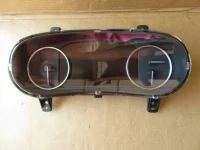
@Anaduff, I decided to contact the company and see if they wanted to unlock some extra features in my GS cluster. Long story short, they were excited to experiment, I was eager to gain additional functionality, and so pulled my cluster and sent it out.
The results are near perfect! I say "near perfect" because they were not able to make ALL of the features functional. This, however, is a limitation of the software/hardware and not a fault of WAMS. More on that later...
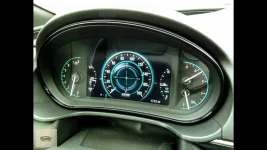
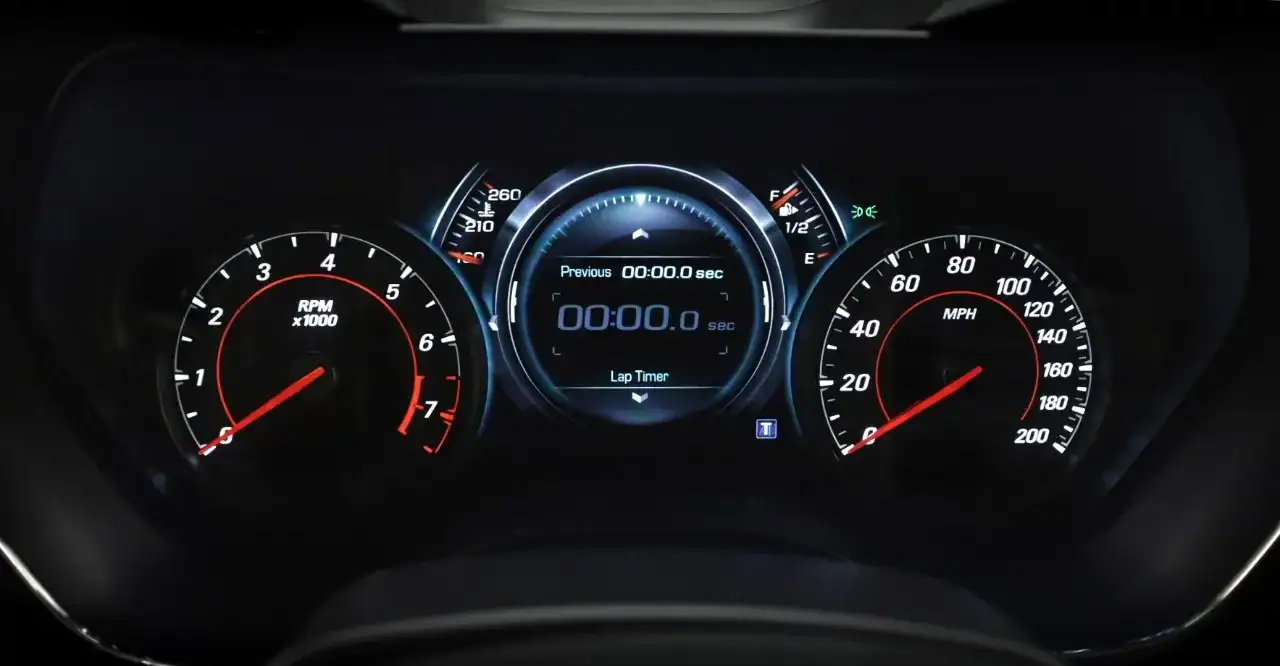
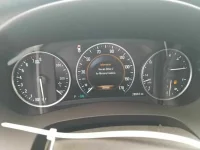
Here are all of Performance Menu items in both Touring and Sport display modes:
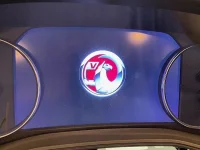
You may notice in the menu list and on the Touring mode, the "CAR BADGE" logo. Typically this is where the "SS" emblem for a Camaro would go, or the "GS" emblem for the Regal would go. Unfortunately, a sign in tool from the OEM is required to upload images and edit the software. The only exception, as
@Anaduff has mentioned, is using the "VXR" or possibly "OPC" emblems as they already exist within the app. The G-meter works partially. No forward or rearward acceleration registers, only lateral movement like going around turns... Oh well, not a big deal.
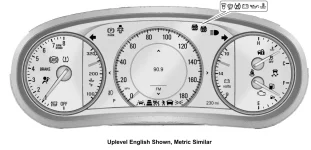
Additionally, they were able to allow configurable pocket gauges as shown here:
These are actually quite handy. The left pocket gauge I leave alone, but I changed my right pocket gauge to the instant and average fuel economy.
File this under
features that should have been part of the original design. It's unfortunate the G-meter is not fully functional and that the "GS" badge is not easily incorporated, but I am happy to accept the minor imperfections for what is otherwise a monumental upgrade! Thanks go to
@Anaduff and WAMS!!!
PS: Cluster removal/installation post in the works